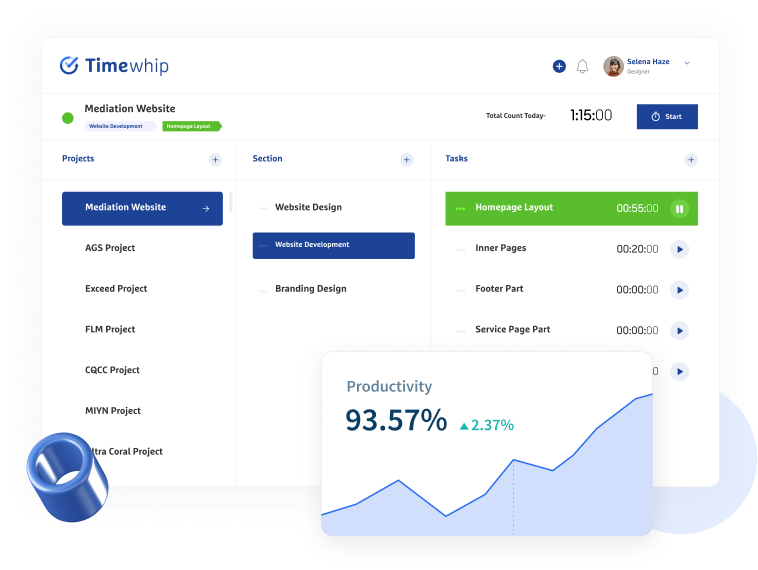








Why “Dumb” Time Tracking is Costing Your Agency Money
The Hidden Tax on Every Agency
Let’s talk about something most agency owners don’t put on their P&L: the cost of bad data management.
You already use a time tracker. Maybe it logs hours. Maybe it even grabs screenshots every ten minutes. On the surface, it looks like you have visibility. But dig a little deeper and you’ll find a painful truth — that data is sitting in a pile, completely disconnected from the context that makes it meaningful.
Who was the screenshot for? Which client? What project? What phase?
Nobody knows. So someone has to figure it out — manually, every single week.
That’s what we call “dumb” time tracking: tools that collect data without understanding it. And according to research on workforce productivity, manual administrative tasks like reporting can consume up to 20% of a manager’s working week — time that could be spent on billable work, strategy, or client relationships.
For a growing agency, that’s not a minor inefficiency. That’s a silent profit leak.
What Does “Dumb” Time Tracking Actually Cost You?
Let’s break it down with a realistic scenario.
Imagine you run a digital agency with 10 remote employees. Every week, your project manager:
- Spends 3–4 hours manually sorting screenshots by client and project
- Spends 2–3 hours compiling those screenshots and time logs into client-ready reports
- Spends another 1–2 hours chasing team members for missing timesheets or clarifications
That’s 6–9 hours per week on reporting alone. At an average billable rate of $75/hour, you’re absorbing a $450–$675 weekly loss — not from poor performance, but from a tool that doesn’t connect the dots.
Scale that across a year? You’re looking at $23,000–$35,000 in lost billable capacity, all because your time tracker is collecting data without understanding it.
And that’s before we factor in the cost of client churn caused by inconsistent, late, or unprofessional reporting.
The Root Problem: Data Without Context
Traditional time tracking tools were built for a different era — one where teams sat in the same office, worked on one or two projects at a time, and handed in paper timesheets on Fridays.
Today’s agency operates in a completely different reality:
- Employees juggle multiple clients and projects simultaneously
- Work happens across time zones, home offices, and co-working spaces
- Clients expect transparent, real-time proof of work
- Managers need to catch productivity gaps before they become delivery failures
A screenshot without a project tag is noise. An activity log disconnected from a client account is useless. Hours tracked without billability context are just numbers on a screen.
This is the core failure of dumb time tracking: it gives you data, not intelligence.
Introducing Context-Aware Monitoring
Context-Aware Monitoring is the next evolution of employee time tracking. Instead of simply recording when your team works, it understands what they’re working on — and automatically organizes every data point around that context.
Here’s what that looks like in practice:
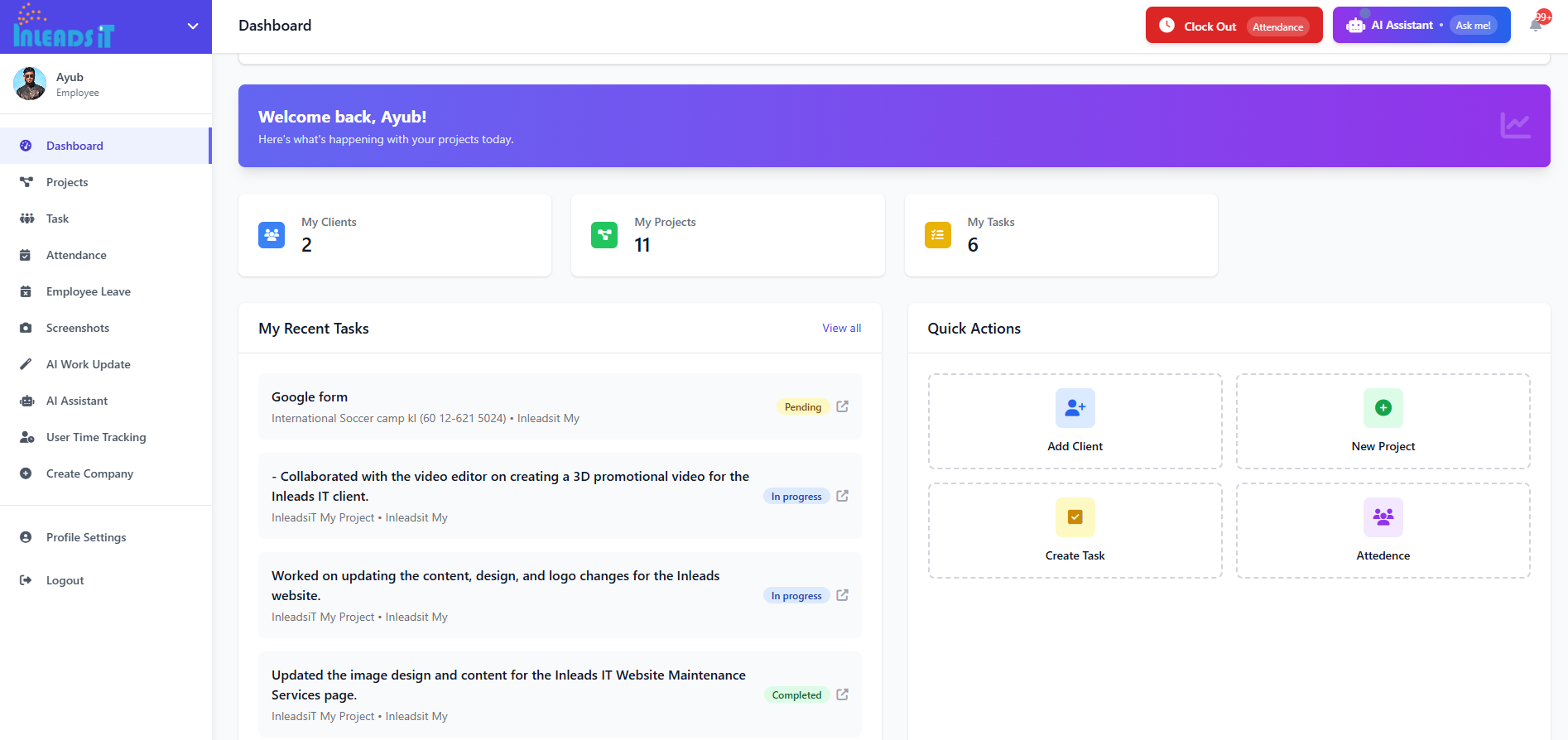
1. Automatic Project & Client Attribution
Every screenshot, every activity log, and every time block is automatically tied to a specific project and client — without requiring your team to manually tag anything. The system learns the context and categorizes accordingly.
No more Friday afternoon sorting sessions. No more “which client was this screenshot for?” headaches.
2. AI-Powered Reporting — Ready in Seconds
Instead of building reports manually, Context-Aware Monitoring uses AI to analyze your team’s activity logs and generate clean, professional client reports automatically. You get presentation-ready documents that show exactly what was worked on, when, and for how long — formatted for stakeholder consumption, not spreadsheet archaeology.
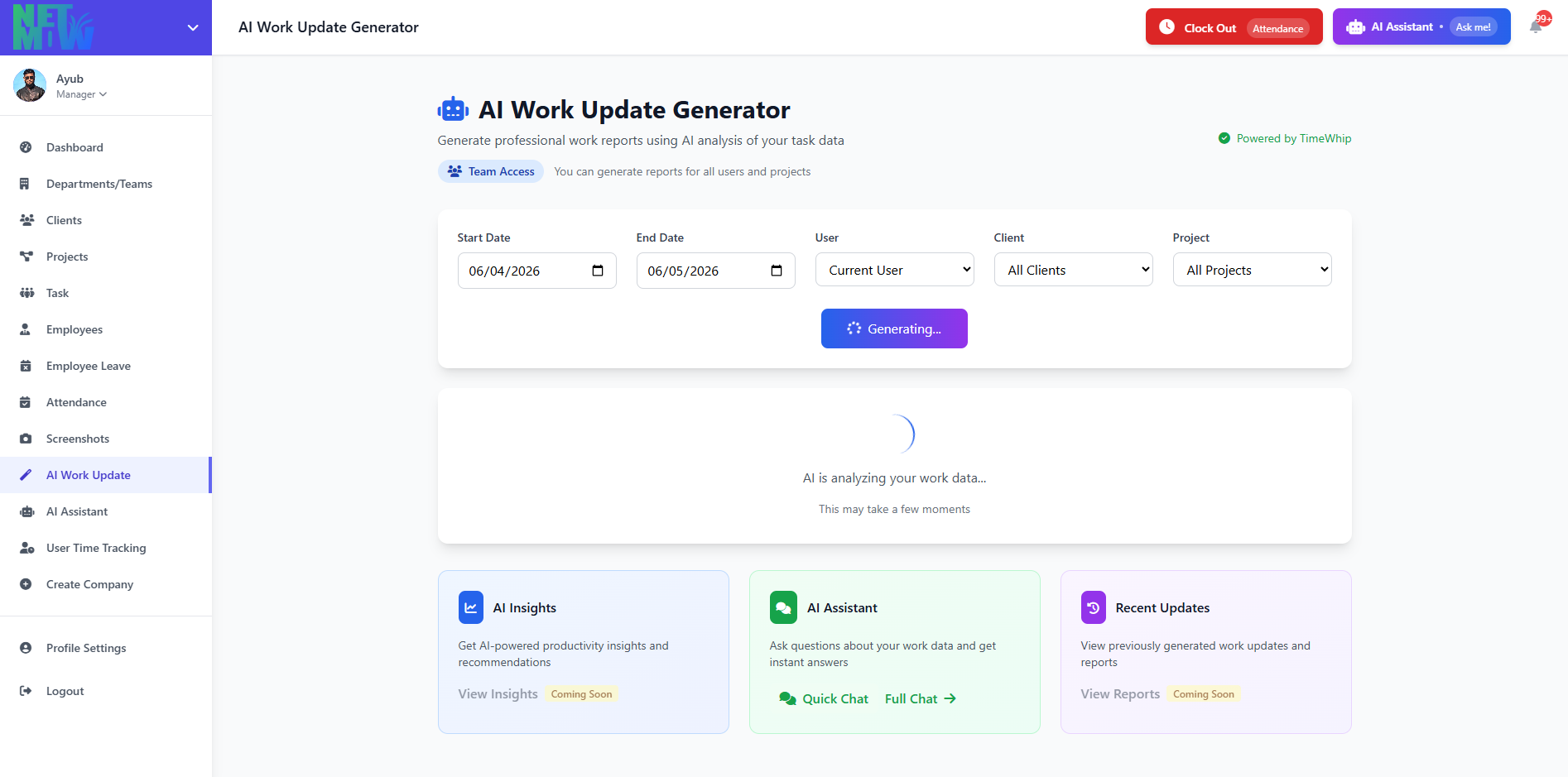
The result? What used to take hours now takes one click.
3. Real-Time Workforce Intelligence
Context-Aware Monitoring doesn’t just tell you what happened — it tells you what’s happening right now. You can see which team members are deep in focused work, who’s falling behind on a task, and where your budget is actually being spent across projects.
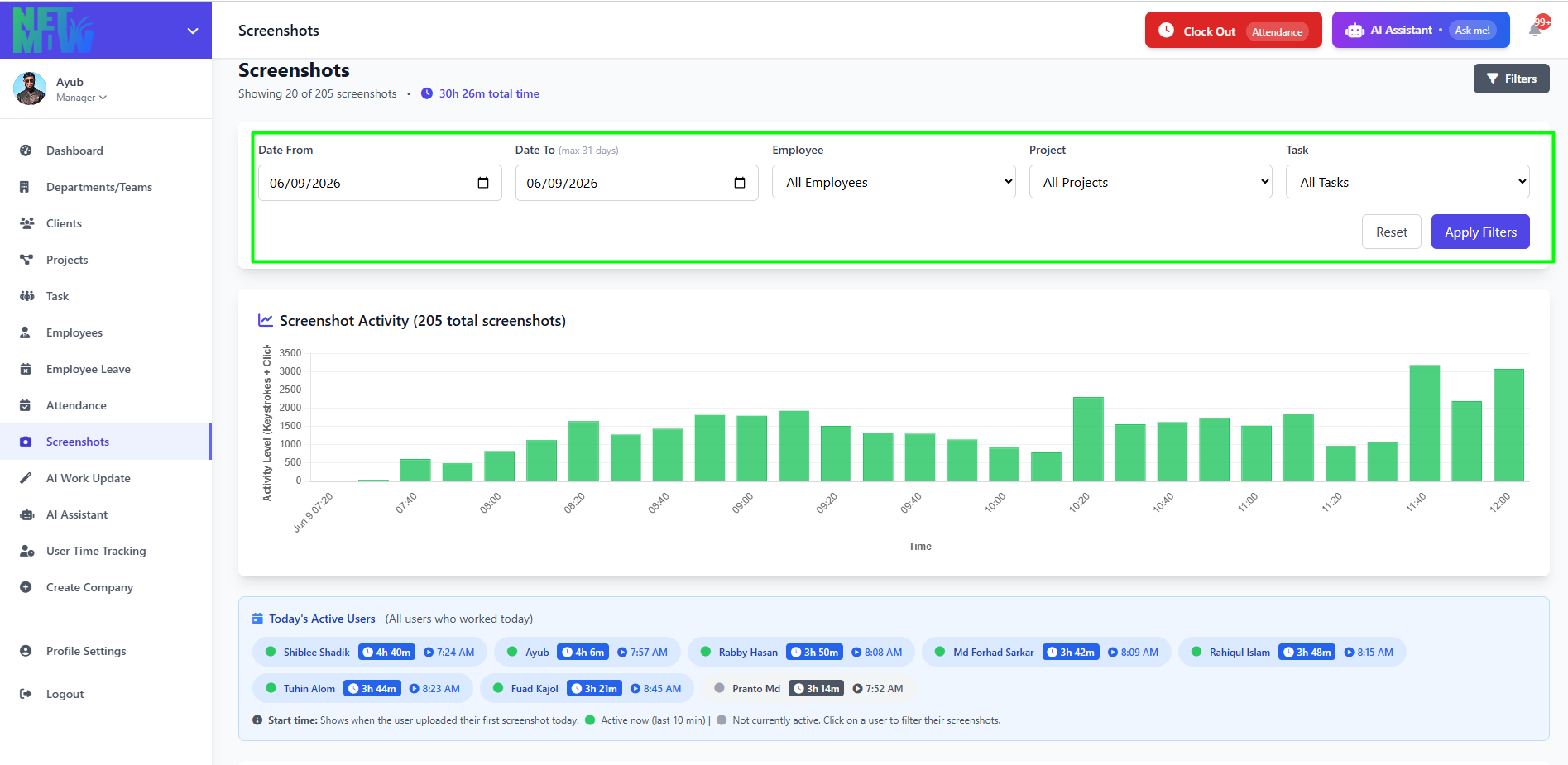
This gives managers the ability to make proactive decisions instead of reactive ones — catching bottlenecks before they become missed deadlines.
4. Unusual Activity Detection
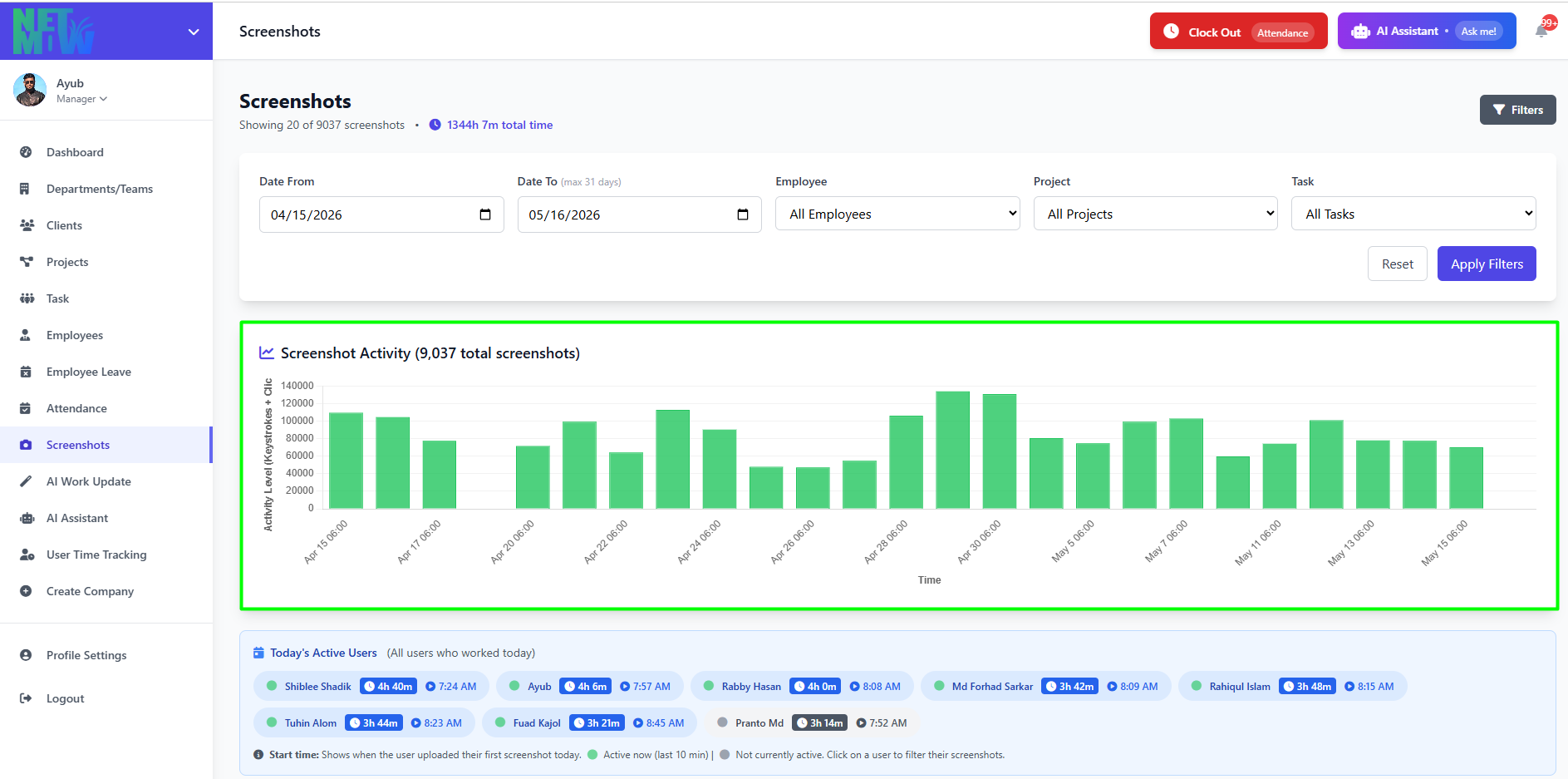
When something doesn’t look right — a sudden drop in productivity, unusual app usage patterns, or off-hours activity — Context-Aware Monitoring flags it automatically. You don’t have to scroll through hundreds of screenshots to spot a problem. The system surfaces the signals that matter.
The ROI of Smarter Monitoring
Switching from dumb to context-aware time tracking isn’t just a workflow improvement. It’s a direct investment in your agency’s profitability.
Consider what changes when your monitoring tool actually understands context:
| Metric | Dumb Tracking | Context-Aware Monitoring |
| Weekly reporting time | 6–9 hours | Under 30 minutes |
| Screenshot organization | Manual, error-prone | Automatic, instant |
| Client report quality | Inconsistent | Polished, professional |
| Visibility into remote teams | Reactive | Real-time & proactive |
| Budget tracking accuracy | Estimated | Precise, project-level |
The agencies winning in today’s remote-first environment aren’t the ones working harder — they’re the ones with better systems. Context-Aware Monitoring means your team spends time doing the work clients pay for, not managing the evidence of it.
What This Means for Remote Team Efficiency
Remote team efficiency isn’t just about making sure people are online during business hours. It’s about ensuring that every hour logged is clearly tied to a deliverable, a client, and a business outcome.
When your monitoring system lacks context, remote work management becomes a game of assumptions:
- I assume they were working on the Johnson account during that block.
- I assume those screenshots are from the right project.
- I assume the hours add up to what we quoted.
Assumptions are expensive. Context-Aware Monitoring replaces them with certainty — giving remote employees clarity on task priorities, giving managers real-time oversight without micromanaging, and giving clients the transparency that builds long-term trust.
Why Employee Monitoring ROI Starts With Context
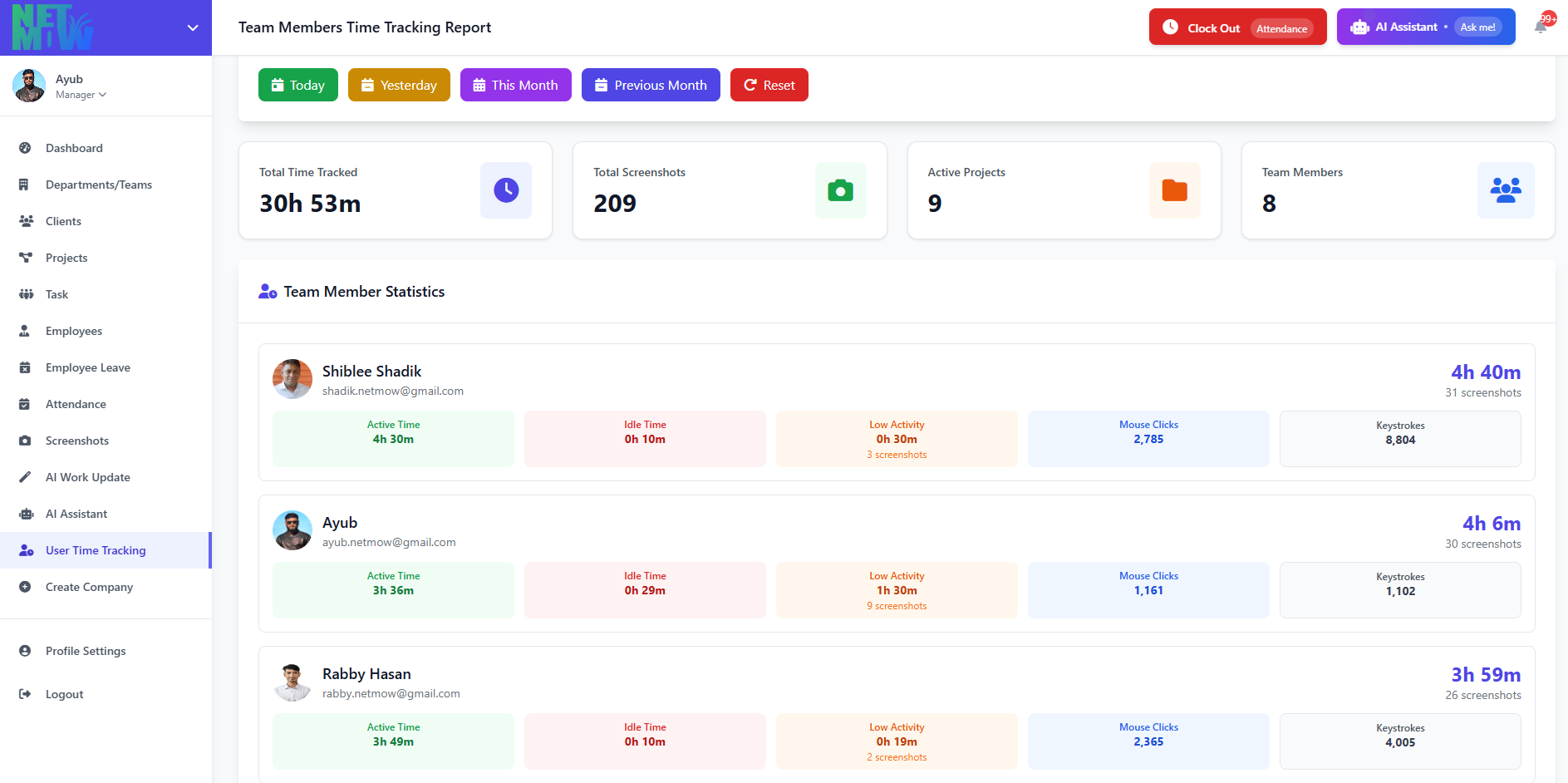
For a long time, the conversation around employee monitoring focused on surveillance: are they working? Are they distracted? Are they slacking?
But the agencies seeing the highest employee monitoring ROI have moved past that framing entirely. They’re not asking “are my people working?” — they’re asking “is the work being done in the most efficient, transparent, and profitable way possible?”
That shift in question requires a shift in tools.
Context-Aware Monitoring turns employee monitoring from a trust exercise into a performance intelligence system. It doesn’t just prove that work happened — it helps you understand how to make the next sprint faster, the next client delivery smoother, and the next proposal more accurate.
The Bottom Line
If your time tracking tool collects data but can’t tell you which client it belongs to, you’re paying a hidden tax on every hour your team logs.
The cost of dumb time tracking isn’t just the hours wasted on manual reporting — it’s the client relationships damaged by inconsistent updates, the projects that go over budget because no one had real-time visibility, and the growth opportunities missed because your leadership team is buried in spreadsheets instead of strategy.
Context-Aware Monitoring is not a luxury feature. For any agency serious about remote team efficiency and maximizing employee monitoring ROI, it’s the baseline.
Stop sorting screenshots. Start knowing what they mean.
Ready to see what Context-Aware Monitoring looks like in action? Start tracking for free with TimeWhip →