







Employee Task Tracking in 2026: Best Methods, Tools & How AI Makes It Effortless
Juggling deadlines across emails, sticky notes, and three different apps isn’t task tracking — it’s chaos with extra steps. If you’ve ever asked “what is everyone actually working on right now?” and got five different answers, you don’t have a people problem. You have a visibility problem.
This guide breaks down every major way teams track tasks today — from paper lists to AI-powered automation — so you can pick the right system for your agency, remote team, or growing business.
What Is Employee Task Tracking?
Employee task tracking is the practice of recording who is working on what, how long it takes, and where things stand — so managers get real visibility without micromanaging, and employees get clarity without confusion. It’s the foundation of accountability, deadlines, and accurate billing for any agency or remote team.
Manual Task Tracking Methods
Manual methods are cheap and easy to start with — but they all share the same weakness: someone has to remember to update them.
To-Do Lists
Quick to set up, zero learning curve, but no automation and no real collaboration. Fine for solo work, painful for teams.
Whiteboards & Sticky Notes
Great for visibility in a physical office. Useless the moment someone works remotely, and there’s no historical record once a card gets erased or thrown away.
Kanban Boards
A genuine step up — moving cards through “To Do,” “In Progress,” and “Done” gives structure without much overhead. Still, someone has to manually move every card, every time.
Spreadsheets
Flexible and collaborative, but spreadsheets don’t track time automatically, don’t flag overdue tasks on their own, and quietly become outdated the moment someone forgets to log an update.
Calendar-Based Tracking
Good for deadlines and recurring responsibilities, but calendars can’t show task dependencies, real progress, or how long something actually took.
Automated Task Tracking Methods
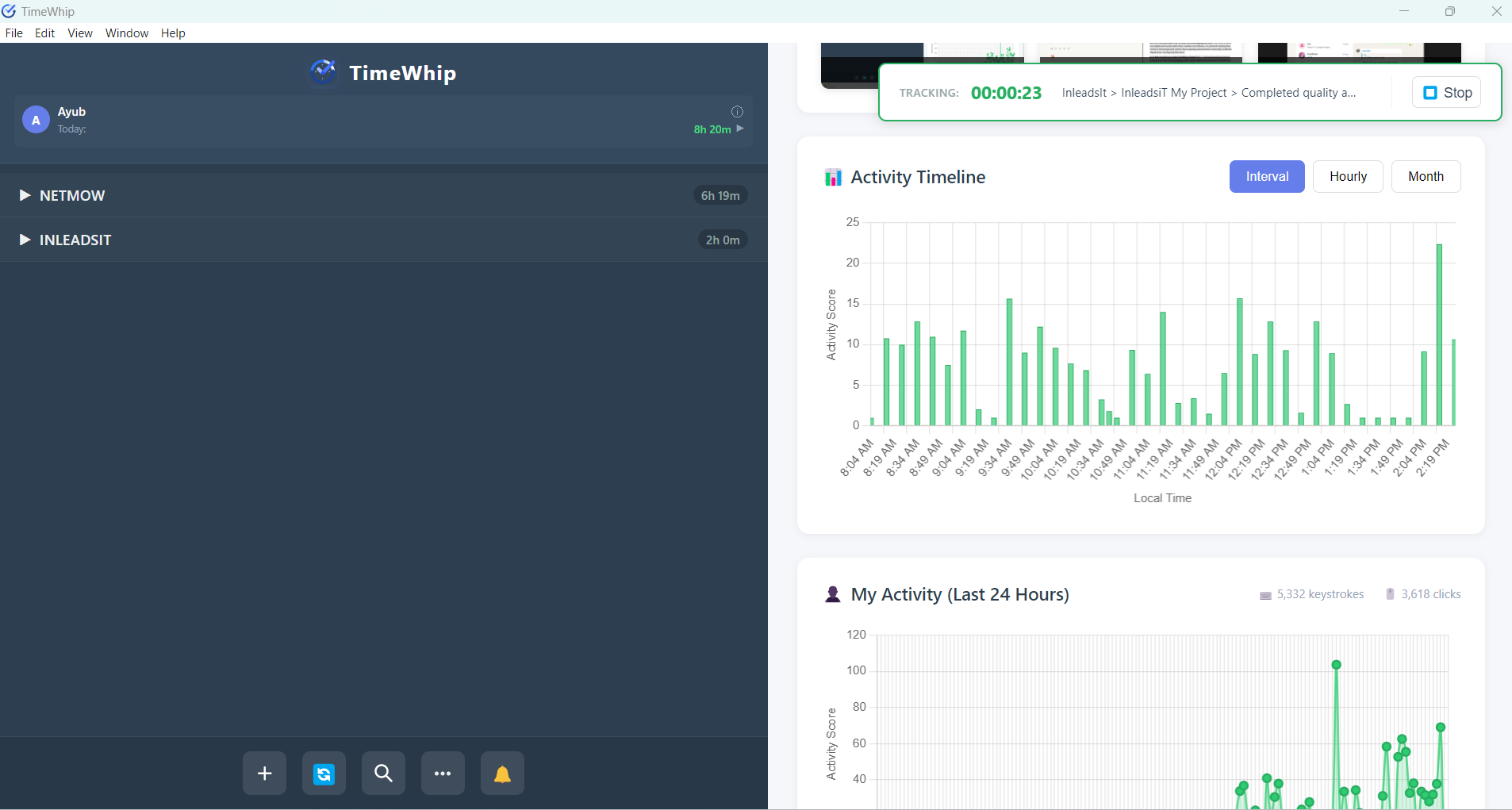
This is where most growing teams eventually land — software that tracks tasks and time without relying on people remembering to do it manually.
Time-Tracking Software
Tools in this category log how long tasks actually take and which apps or sites employees use while working. This turns guesswork into data — useful for agencies billing clients by the hour or teams trying to spot where time disappears.
Task & Project Management Software
Built for handling dependencies, deadlines, and multi-step workflows. Ideal once a team outgrows a simple to-do list but still needs human input for every status update.
Ticketing Systems
Best suited for support and service teams — tasks (tickets) get auto-routed to the right person and tracked through resolution.
The common thread across all of these traditional automated tools? A human still has to start the timer, update the status, and write the report. That’s exactly the gap AI-powered tools like TimeWhip are built to close.
Why Manual Methods Break Down As You Scale
A 3-person team can survive on a shared spreadsheet. A 30-person agency running multiple client accounts cannot. As headcount and project count grow, the cost of “someone forgot to update the board” grows with it — missed deadlines, inaccurate billing, and managers spending hours chasing status updates instead of doing actual work.
Key Benefits of Task Tracking
- Accountability — real-time visibility into who’s working on what, without needing to ask
- Productivity insights — see exactly where time goes and which tasks eat the most hours
- Accurate client billing — for agencies, tracked time means defensible invoices
- Better project management — catch slipping deadlines before they become client emergencies
- Data-driven decisions — staff projects and assign work based on actual workload data, not guesses
- Less burnout — clear ownership of tasks reduces the confusion that fuels overwork and turnover
How AI Is Changing Task Tracking
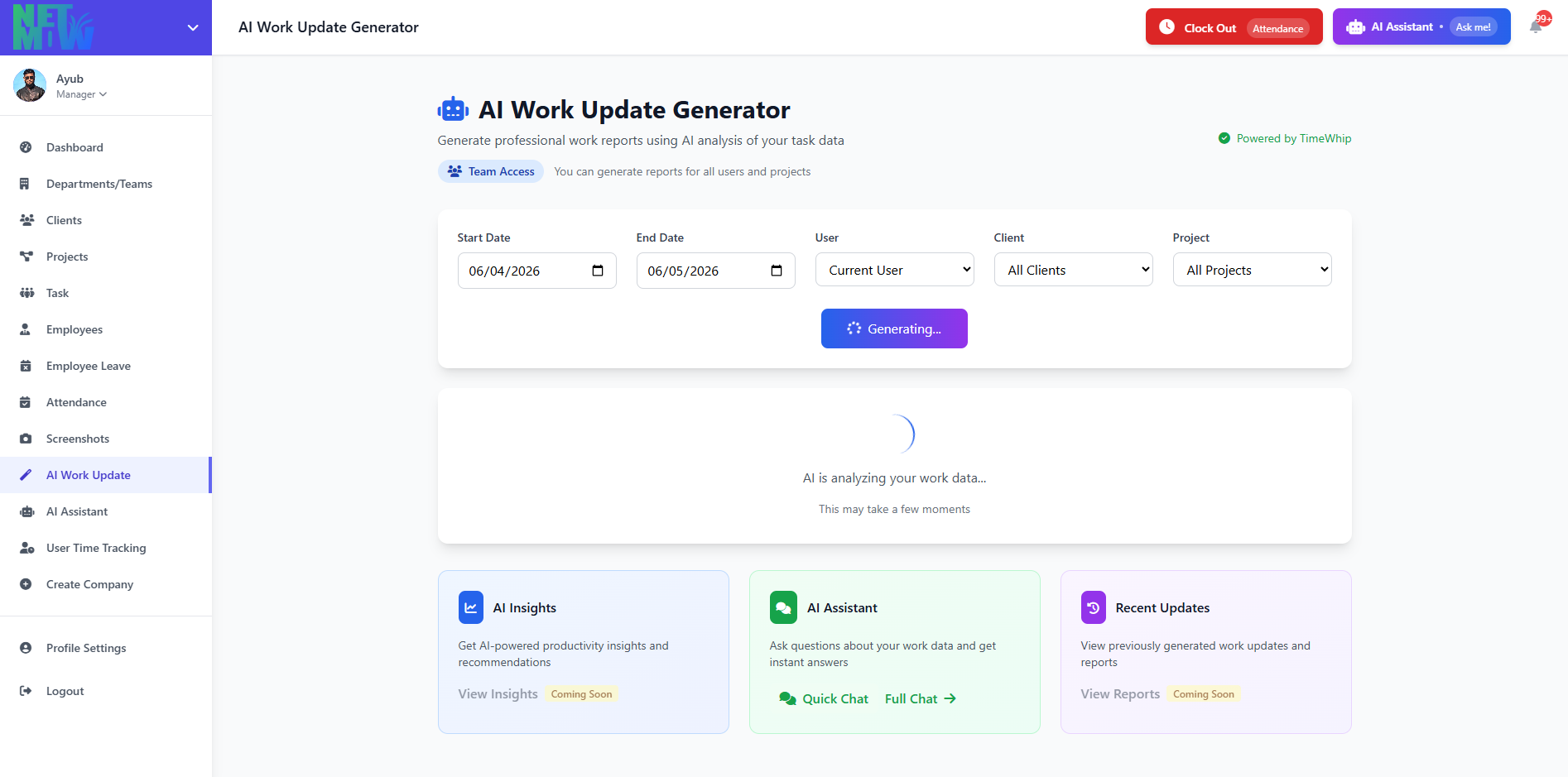
Traditional task tracking depends on people remembering to log their own time and write their own status updates — and that’s exactly where it breaks. AI-powered time tracking flips the model:
- Automatic time capture — no manual start/stop timers or “oops, forgot to clock in”
- AI-generated status reports — instead of writing a weekly update from scratch, AI drafts it from the actual work that happened
- Smart categorization — tasks get tagged and organized automatically instead of relying on someone to label them correctly
- Anomaly and bottleneck detection — AI flags when a task is taking longer than expected, before it becomes a missed deadline
- Less admin, more output — the time your team used to spend filling out timesheets goes back into actual work
This is the core idea behind TimeWhip — AI-powered time tracking that removes the manual admin work traditional tools still require, so agencies and remote teams get accurate tracking and reporting without anyone lifting a finger to log it.
Tips for Rolling Out Task Tracking Without Killing Morale
- Be transparent about why. Explain the goal (better workload balance, accurate billing, fewer missed deadlines) — not “we don’t trust you.”
- Track continuously, not occasionally. Sporadic tracking gives you sporadic, unreliable data.
- Review at set intervals. Weekly reports beat staring at a live dashboard all day.
- Act on the data. Insights are useless if no one changes a workflow because of them.
- Protect privacy and build trust. Choose tools that focus on productivity insights, not surveillance — this is the difference between adoption and resentment.
- Pick tools that integrate with your stack. A tracker that doesn’t talk to your project management or invoicing tool just creates more manual work, not less.
Comparison: Manual vs Software vs AI-Powered Tracking
| Method | Setup Effort | Automation | Best For | Limitation |
|---|---|---|---|---|
| To-do lists / Whiteboards | Very low | None | Solo work, small in-office teams | No automation, no remote visibility |
| Spreadsheets | Low | None | Small teams wanting flexibility | Manual updates, easy to fall out of date |
| Kanban / PM software | Medium | Partial | Multi-step projects | Still needs manual status updates |
| Traditional time tracking software | Medium | Partial | Billing & basic time logs | Requires manual timers and report-writing |
| AI-powered tracking (TimeWhip) | Low | High | Agencies & remote teams that want accuracy without admin work | Best suited for digital/knowledge work, not GPS-based field tracking |
Why Teams Are Switching to TimeWhip
Most task and time tracking tools ask your team to do more work to track their work — start a timer, fill in a status, write a summary. TimeWhip was built on a simple idea: tracking should happen around your team’s work, not on top of it.
With AI handling time capture, categorization, and status reporting automatically, agencies and remote teams using TimeWhip get the accountability and billing accuracy of traditional time tracking — minus the manual admin that makes most teams hate using it.
FAQs
What is the best way to track employee tasks?
It depends on team size and complexity. Small teams can get by with to-do lists or spreadsheets. Growing teams and agencies need automated or AI-powered tools to keep tracking accurate and consistent without manual effort.
What’s the difference between task tracking and time tracking?
Task tracking monitors progress, ownership, and deadlines. Time tracking records how long each task actually takes. The best tools — like TimeWhip — combine both automatically.
How do I track productivity without micromanaging my team?
Use tools focused on insights and trends rather than constant surveillance. AI-powered tracking that works in the background (rather than requiring manual timers) naturally avoids the “Big Brother” feeling that kills trust.
Is AI time tracking accurate for billing clients?
Yes — AI-based tracking removes human error from manual logging, often producing more accurate, defensible time records than employees self-reporting hours.
How do I implement task tracking without disrupting my team?
Start with clear communication about the goal, choose a tool that fits your existing workflow, and pick something low-friction — ideally one like TimeWhip that automates the tracking itself instead of adding another tool people have to remember to use.